
Lenovo Legion Tab Gen 3 Skins, Wraps & Covers
Keep the Legion Tab Gen 3 looking new.

Compatibility
Confirm this skin fits your Lenovo Legion Tab Gen 3. Models built on the same chassis share fit — verify below or check the install guide for cutout reference.
Display & Dimensions
- Year
- 2025
Compatible Models
- Base
Can't find your model? Shoot us a request and we'll follow up.
Installing your kit on the Lenovo Legion Tab Gen 3
Our designs use a specific install sequence. Watch the videos first — even if you've done this before.
The back of the Legion Tab Gen 3 is the side that takes the hits - sliding in and out of a bag, set down on desks, and passed around.
Make it yours
Go Matte Black or Matte Green Metallic - twenty-plus finishes for the Lenovo Legion Tab Gen 3 skin, picked to suit the Eclipse Black chassis.
Takes the wear
The aluminum back picks up scuffs from travel and daily handling. The skin takes that wear, so the tablet keeps its clean look for the years you'll own it.
Your coverage
Back only with the Essentials Kit, or wrap onto the sides with the Pro Kit.


The details that separate a skin from a sticker.
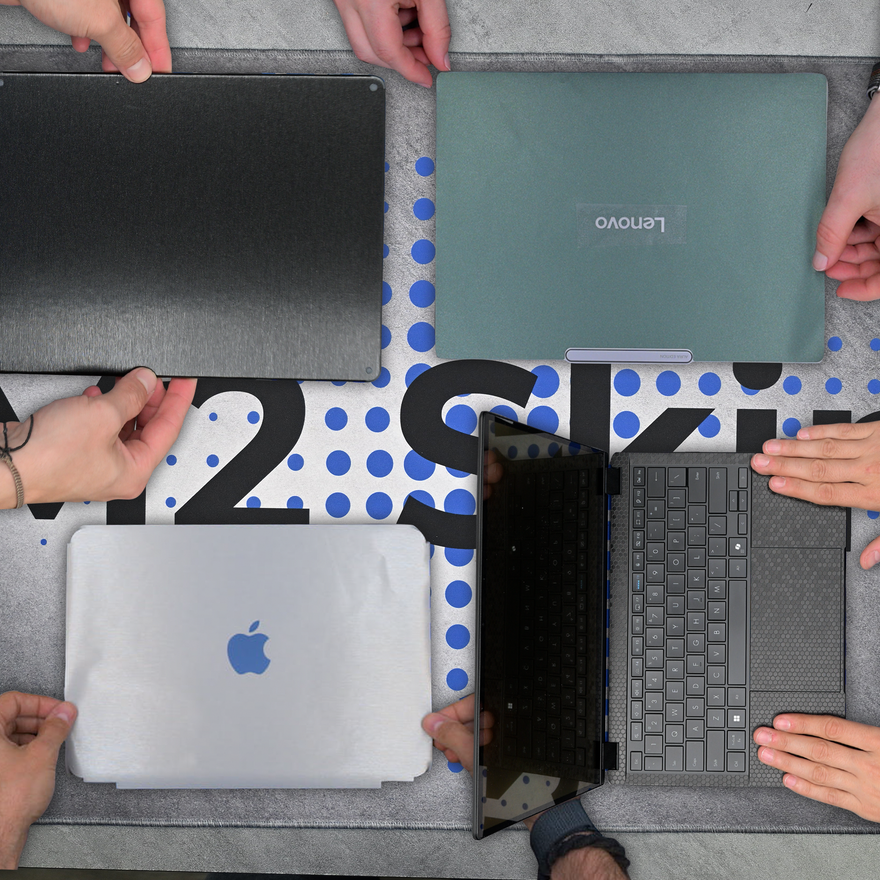
An install video for every device
Our designs are created with each device's unique installation quirks in mind. Naturally, we film an install video for every device we list. That way you can see exactly what's involved and how it fits from start to finish.
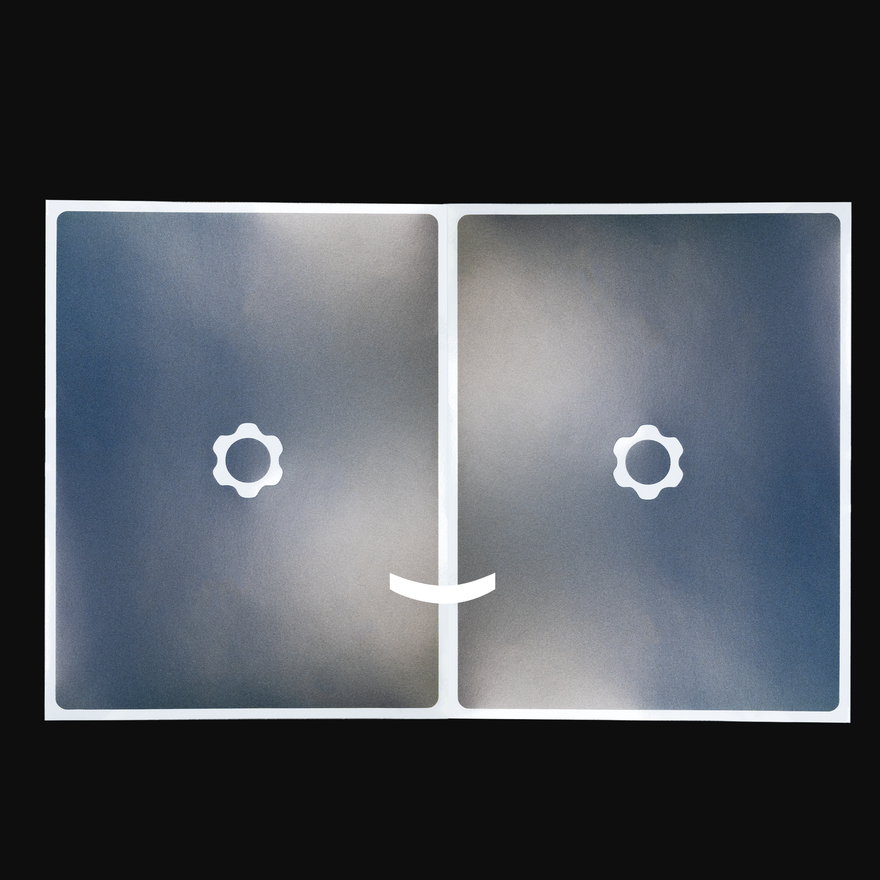
Install now, refresh later
Every kit ships with two copies of your design - one for the install, one to keep for when you want a refresh. So when you're ready for a fresh look down the road, it's already in the box.
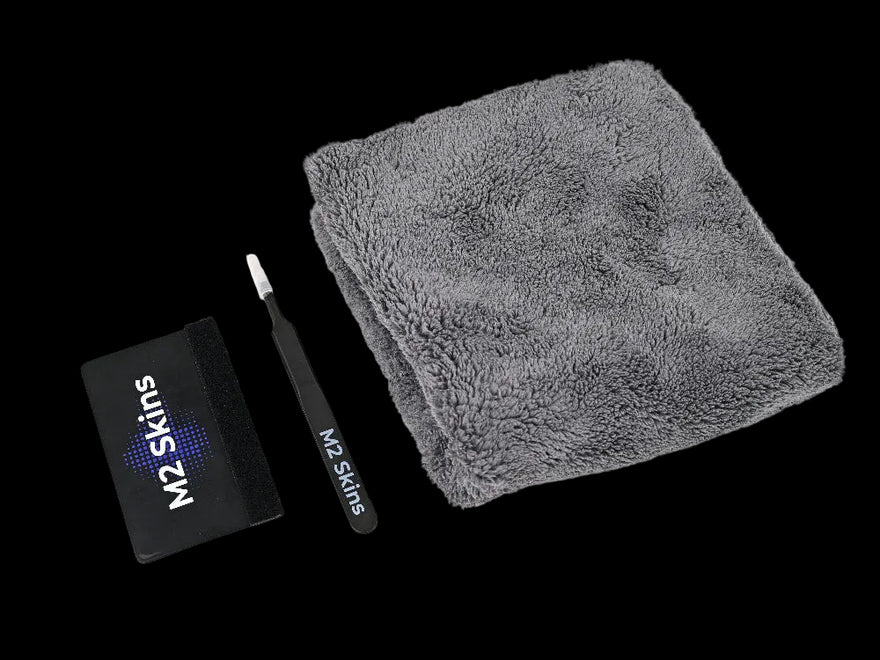
Pro Install Kit for pro results
Every order includes the Pro Install Kit - felted plastic squeegee, metal blunt-nosed tweezers, and a plush towel. The same tools professional installers use, in the box every time - not a flimsy cloth.

Holds color through every sunny commute
Phones and tablets constantly see sunlight. Our vinyls have 8-year UV color stability. That's the same automotive-grade material engineered for cars sitting in summer parking lots. Cheaper materials fade over time. Ours don't.

Designed, cut, and shipped from Chattanooga
Every kit is designed, cut, packed, and shipped from our Chattanooga, Tennessee workshop. No drop-shipping, no overseas warehouse, no middlemen - the whole operation is here, run by the people who care about how your device looks.
Hear from our customers
Frequently asked questions
Are the dual USB-C ports and buttons on the Lenovo Legion Tab Gen 3 accessible with an M2 skin installed?
What materials does M2 recommend for the Lenovo Legion Tab Gen 3 in Eclipse Black?
What is your return and exchange policy?
Can M2 Skins vinyl skins be removed later?
Does M2 make a wrap-around skin for the Lenovo Legion Tab Gen 3, or only a back-only version?
Does M2 make stickers, decals, or wraps for the Lenovo Legion Tab Gen 3?
Does M2 Skins offer free US shipping?
How long does it typically take to install an M2 Skins vinyl skin?
Ready when you are
Make your Legion Tab yours.
Pick your kit, cutout, and finish — built to order and shipped fast.