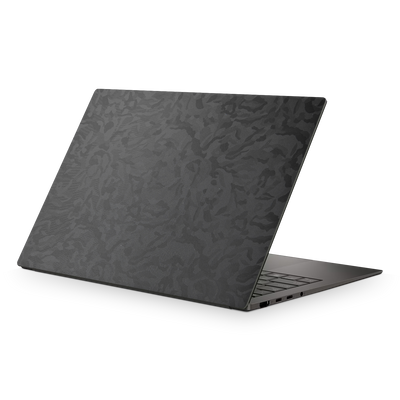
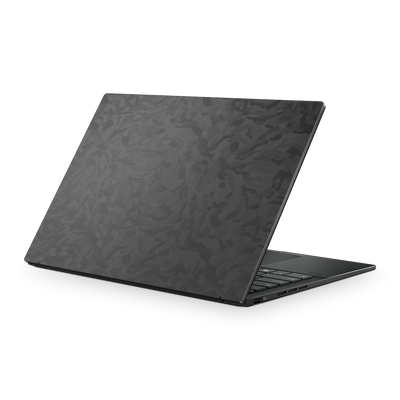
Asus ZenBook A16 (2025) Skins, Wraps & Decals

Keep the ZenBook A16 looking new - longer.

Asus ZenBook A16 (2025) Skins, Wraps & Decals

Compatibility

Confirm this skin fits your Asus ZenBook A16. Models built on the same chassis share fit — verify below or check the install guide for cutout reference.

Display & Dimensions

Screen
16 inch
Year
2025
Weight
1.20 kg
Dimensions
353.6 mm x 242.4 mm x 13.8 mm

Internals

CPUs
  • Qualcomm Snapdragon X2 Elite Extreme
  • Qualcomm Snapdragon X Plus
  • Qualcomm Snapdragon X
GPUs
  • Qualcomm Adreno

Compatible Models

  • UX3607OA-XS99
  • UX3607OA-ZB/A16_X0
  • UX3607OA-SQ005W
  • UX3607QA-BS53-CB

Can't find your model? Shoot us a request and we'll follow up.


Installing your kit on the Asus ZenBook A16

Our designs use a specific install sequence. Watch the videos first — even if you've done this before.

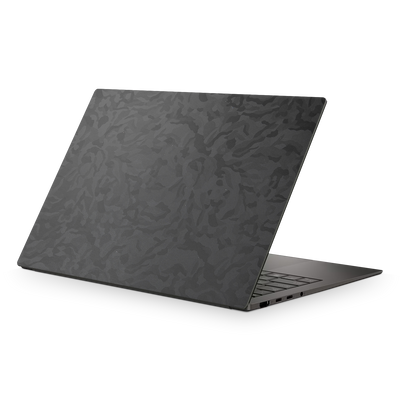
Install videos
Asus ZenBook A16 (2025) Skins, Wraps & Decals configuration wireframe
Materials marked with a cyan dot are M2's picks for this device.
Premium Vinyl Protection

The Ceraluminum chassis looks sharp out of the box. Keep it that way with a ZenBook A16 laptop skin.

Make it yours

Pick Forged Carbon to for a textured finish, Matte Green Metallic for a quieter twist, or go bold with Vampire Red - loads of finishes for the Asus ZenBook A16.

Takes the wear

A 16-inch ultraportable gets carried everywhere, and the chassis picks up scuffs from everyday life. The skin takes that wear, and palm contact can dull the deck over months of use - skin the interior and it takes that too.

Your coverage

Top lid only, or wrap the interior and bottom with the Premium Kit.

Satin Aluminum
Matte Green Metallic
Black Camo
Prism
Recommended
Satin Aluminum Satin
Why M2

The details that separate a skin from a sticker.
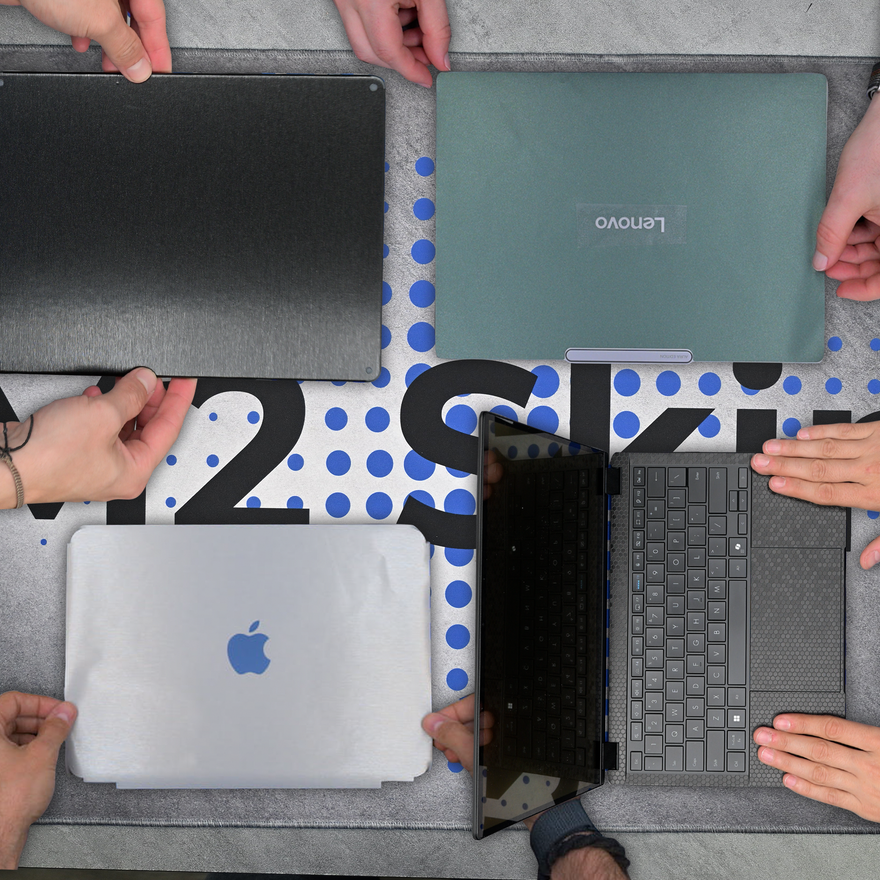
An install video for every device
SUPPORT

An install video for every device

Our designs are created with each device's unique installation quirks in mind. Naturally, we film an install video for every device we list. That way you can see exactly what's involved and how it fits from start to finish.
Install now, refresh later
REMOVABLE

Install now, refresh later

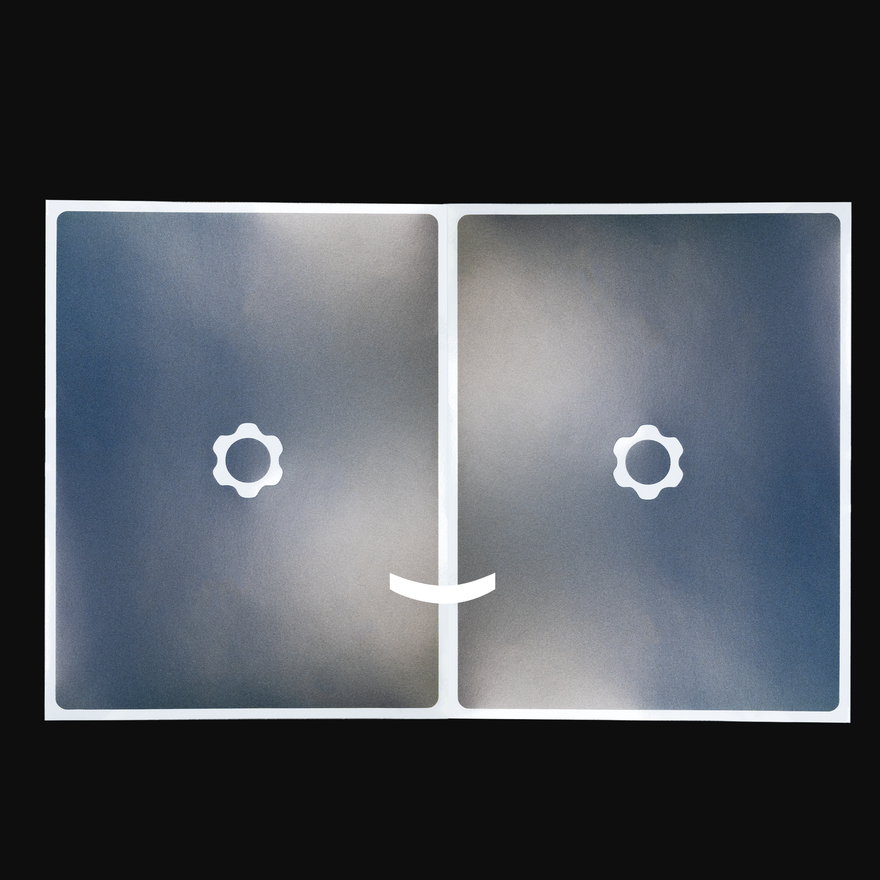
Every kit ships with two copies of your design - one for the install, one to keep for when you want a refresh. So when you're ready for a fresh look down the road, it's already in the box.
Pro Install Kit for pro results
TOOLS

Pro Install Kit for pro results

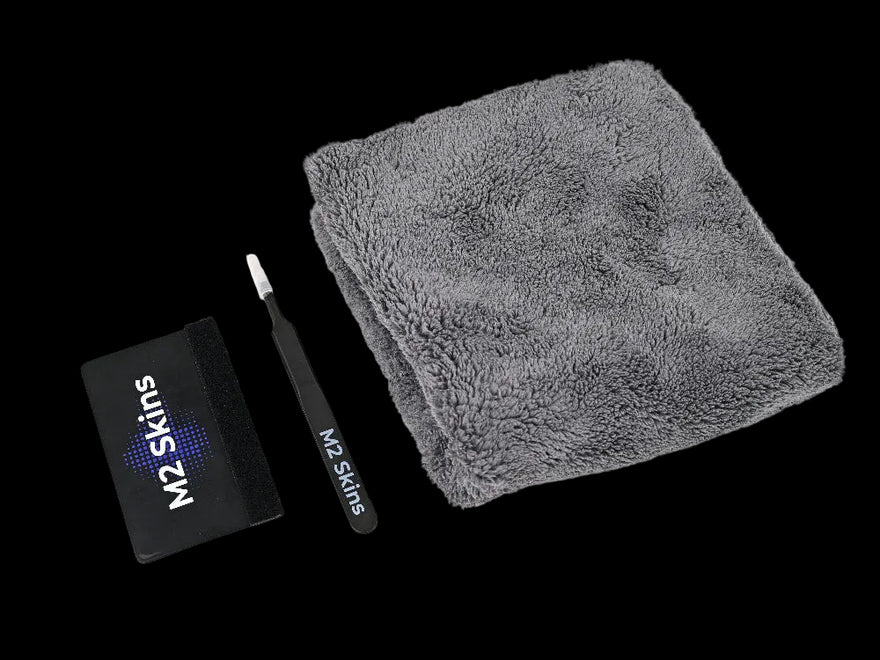
Every order includes the Pro Install Kit - felted plastic squeegee, metal blunt-nosed tweezers, and a plush towel. The same tools professional installers use, in the box every time - not a flimsy cloth.

Designed, cut, and shipped from Chattanooga
FAST SHIPPING

Designed, cut, and shipped from Chattanooga

Every kit is designed, cut, packed, and shipped from our Chattanooga, Tennessee workshop. No drop-shipping, no overseas warehouse, no middlemen - the whole operation is here, run by the people who care about how your device looks.

Thousands of people have customized their gear

Hear from our customers

Answers

Frequently asked questions

Do M2 Skins vinyl skins offer any protection, or are they only for looks?

Our skins add a layer of light protection against the everyday scratches and scuffs a bare device picks up - bag friction, desk contact, daily handling - while keeping the slim profile a case can't match. If drops or hard impacts are the concern, a case is the right tool, and a skin pairs cleanly under a clear one. Most people choose a skin for the look and the everyday-wear protection together.

How do I confirm I'm ordering the right M2 Skins design for my specific Asus laptop model?

Check the Compatibility section on this page - it lists exact dimensions, supported model numbers, and similar products if the one you're viewing isn't your match. Asus prints the full model number on the bottom of the laptop, usually near the regulatory info (something like GA403WM or GU603VV). Match that number rather than going by year alone - Asus often ships the same model across multiple years and ships same-year models with different chassis. If your exact model isn't listed anywhere on the site, the Request a Skin page is where to let us know.

Will an Asus ZenBook skin fit a different generation or model in the ZenBook lineup?

No, each ZenBook generation uses a different chassis, so a skin cut for one model won't fit another. The S14, S16, ZenBook 14 OLED, and ZenBook A14 each have their own dimensions, port placements, and design details. Match your exact model number to the listing, and use the Compatibility section on this page to confirm before ordering.

What's the difference between an Asus ZenBook skin and an Asus Zephyrus skin?

ZenBooks and Zephyrus laptops are entirely different chassis lines - ZenBook is the ultrabook lineup, Zephyrus is the ROG gaming line. Skins are cut for each specific model, so a ZenBook skin won't fit a Zephyrus and vice versa. Find your model number on the bottom of the laptop and match it to the corresponding listing.

Does the M2 Skins design for the Asus ZenBook A16 fit the UX3607 model?

Yes - the ZenBook A16 and UX3607 share the same chassis, so our skins fit both. If you're shopping from the UX3607 listing, the fit is identical. Check the Compatibility section on this page to confirm your model number.

How do Asus laptop generations differ in ways that affect M2 Skins compatibility?

Asus refreshes most of its laptop chassis on a roughly yearly cadence, and even subtle changes - repositioned vents, a shifted hinge, a tweaked lid bevel - mean a skin cut for one generation won't sit right on the next. The model number is the most reliable info, since Asus assigns a new prefix or suffix when the chassis changes (a Zephyrus G14 might be GA402 one year and GA403 the next). The Compatibility section on each product page lists the supported model numbers for that listing. Compare what's printed on the bottom of your laptop against that list before ordering.

How do I tell Asus laptop variants apart when choosing the right M2 skin?

Asus splits its lineup across families - ROG, TUF, Zenbook, Vivobook, ProArt - and within each family there are sub-series (Zephyrus, Strix, Scar) and size variants (a 14-inch and 16-inch version of the same series are different chassis, not different sizes of the same skin). The full series name plus the model number on the bottom of the laptop is what you want - "ROG Zephyrus G14" alone isn't enough, but "ROG Zephyrus G14, GA403WM" is. Match both against the Compatibility section on this page. If two listings look close and you're not sure which is yours, the model number will tell you.

How do I identify which Asus ZenBook model I have before ordering a skin?

Check the bottom of your ZenBook for the model number - it starts with letters like UX5406, UX5606, UX3405, or UX3407. Match that model number to the listing on our site, since each ZenBook generation has its own chassis dimensions and port layout. The Compatibility section on each product page lists the supported model numbers, so you can confirm before you order.

Will an M2 skin adhere properly to the Asus ZenBook A16's Ceraluminum chassis?

Yes - our vinyl adheres well to the ZenBook A16's Ceraluminum surface. The material is cut specifically for this chassis, so the edges and curves line up with the actual lid and interior dimensions. Start with the install video for this device before you begin.

What coverage options are available for the Asus ZenBook A16 skin?

We offer lid, interior, and bottom coverage for the ZenBook A16 - available individually or together. The Essentials Kit covers the lid. For the interior and bottom as well, the Compatibility section on this page details exactly what each kit includes.

Cut in the USA
Cast automotive-grade vinyl
Two skins per order
Free install video
Free shipping over $65

Ready when you are

Make your ZenBook A16 yours.

Pick your kit, cutout, and finish — built to order and shipped fast.

Order a sample pack
More devices we cover

You may also like