
Apple Studio (2022) Skins, Wraps & Decals
Keep the Mac Studio's aluminum looking like day one.

Compatibility
Confirm this skin fits your Apple Studio. Models built on the same chassis share fit — verify below or check the install guide for cutout reference.
Display & Dimensions
- Year
- 2022
Internals
- CPUs
-
- M1 Series
- M2 Series
- M3 Series
- M4 Series
- M5 Series
- GPUs
-
- Integrated GPU
Compatible Models
- Apple Mac Studio M1-M5
Can't find your model? Shoot us a request and we'll follow up.
Installing your kit on the Apple Studio
Our designs use a specific install sequence. Watch the videos first — even if you've done this before.
Our skins go around the Mac Studio's square aluminum body - top, front, sides, and bottom.
Make it yours
Stay close to stock with Brushed Aluminum, go dark with Black Carbon Fiber, or let Vampire Red make it the color on your desk. There are loads of finishes for your Apple Mac Studio skin, so it can match the rest of your setup.
Takes the wear
A desktop mostly sits still, but it still picks up light scratches and scuffs when it gets moved, dusted, or recabled. The skin takes those so the Mac Studio keeps its look, and a clean body helps it hold its value when you upgrade.


The details that separate a skin from a sticker.

Built for the surfaces that sit still
Our cast vinyl may be overkill for a Mac Mini or Framework Desktop - automotive-grade material on a device that's not going anywhere. That means the finish keeps its look for years. No hands wearing it down, no bag to scuff it - just the finish you picked, staying put.
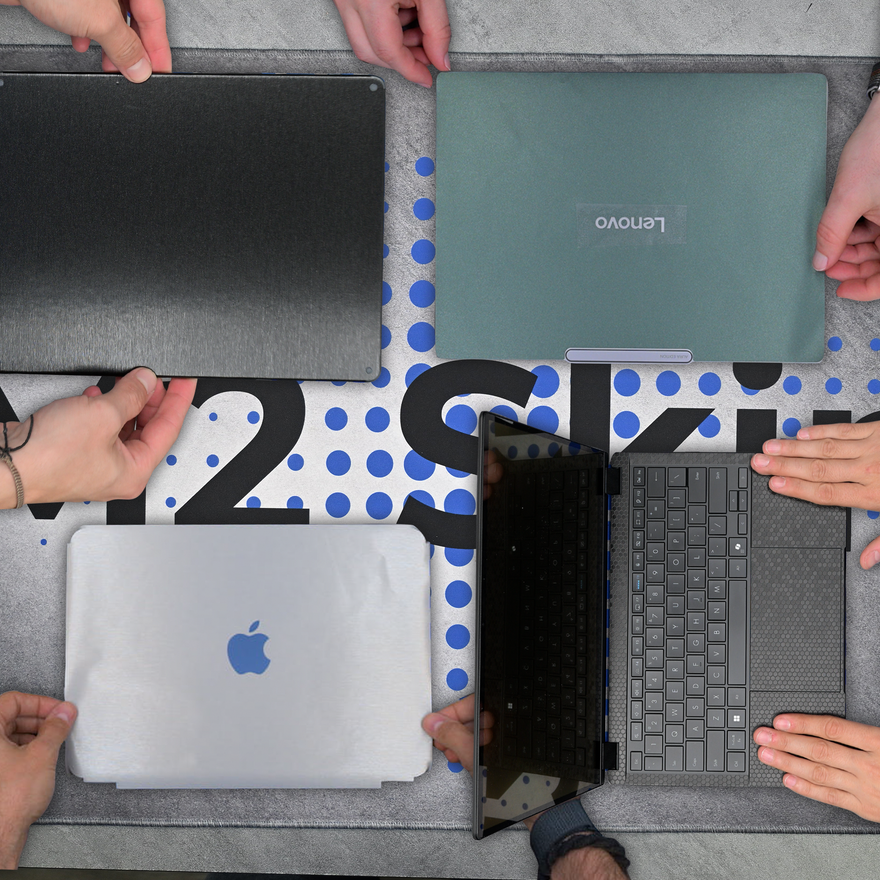
An install video for every device
Our designs are created with each device's unique installation quirks in mind. Naturally, we film an install video for every device we list. That way you can see exactly what's involved and how it fits from start to finish.
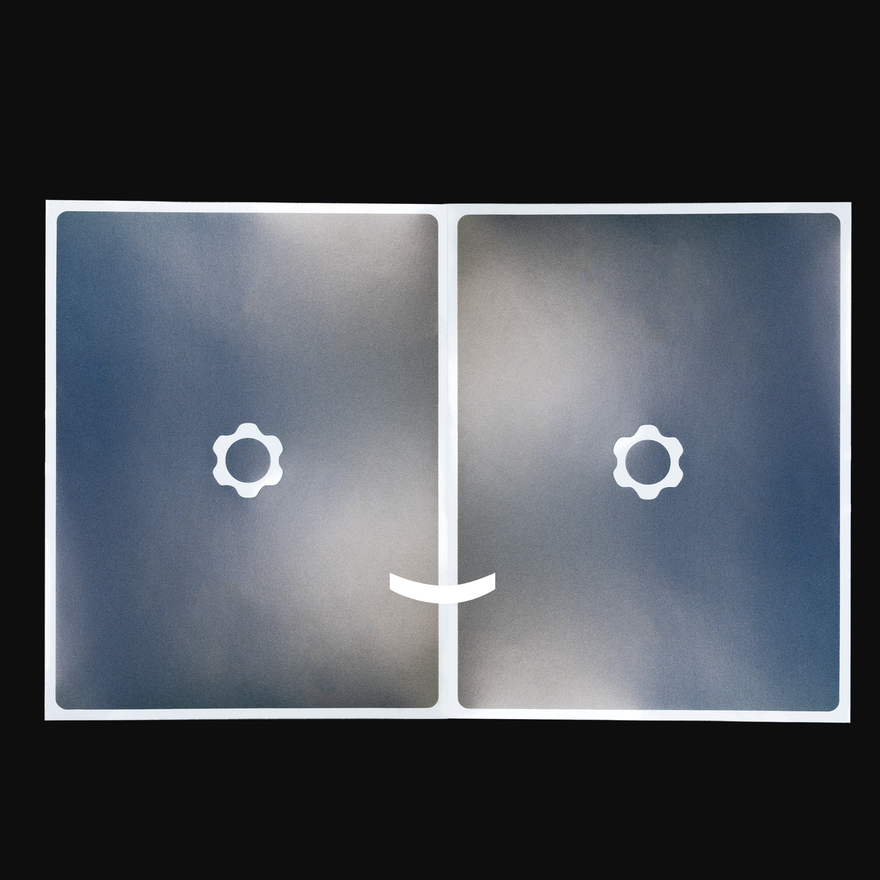
Install now, refresh later
Every kit ships with two copies of your design - one for the install, one to keep for when you want a refresh. So when you're ready for a fresh look down the road, it's already in the box.
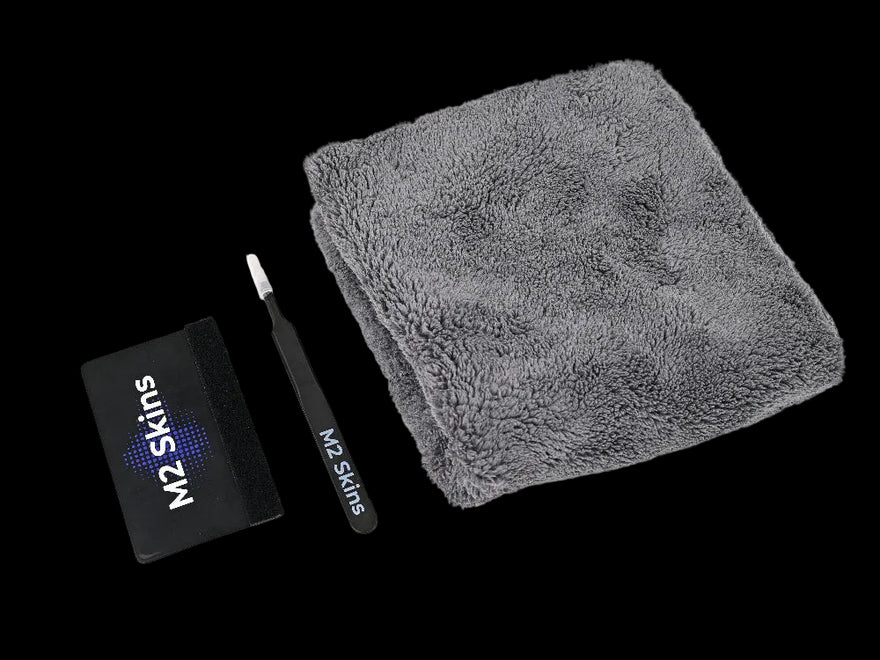
Pro Install Kit for pro results
Every order includes the Pro Install Kit - felted plastic squeegee, metal blunt-nosed tweezers, and a plush towel. The same tools professional installers use, in the box every time - not a flimsy cloth.

Questions go to the people who make these
Need help with install, fit, or materials? Messages reach our team in Chattanooga - the same people designing and cutting these every day. Not a chatbot, not a call center, just the shop.
Hear from our customers
Frequently asked questions
Does M2 Skins offer custom or bespoke skin designs?
How do I confirm I have the right Apple model before ordering an M2 Skins skin?
Is the Apple Mac Studio M1+ skin a wrap-around design?
Does M2 Skins offer free US shipping?
Free US ground shipping on skin orders of $65 or more. No code needed. Standard shipping rates apply below that threshold.
Will an Apple Mac Studio M1+ skin fit the 2022, 2023, and 2025 Mac Studio models?
Does M2 make stickers, decals, or wraps for the Apple Mac Studio M1+?
Ready when you are
Make your Mac Studio yours.
Pick your kit, cutout, and finish — built to order and shipped fast.