Acer Nitro V 16 (2025) Skins, Wraps & Decals

Skins take the scuffs so your Nitro V 16 doesn't.

Acer Nitro V 16 (2025) Skins, Wraps & Decals

Compatibility

Confirm this skin fits your Acer Nitro V 16. Models built on the same chassis share fit — verify below or check the install guide for cutout reference.

Display & Dimensions

Screen
16-Inch
Year
2025
Weight
2.10 kg
Dimensions
356.5 mm x 260.0 mm x 19.9 mm

Internals

CPUs
  • Intel Core 5 210H
  • Intel Core 7 240H
  • Intel Core 9 270H
GPUs
  • NVIDIA GeForce RTX 5050
  • NVIDIA GeForce RTX 5060
  • NVIDIA GeForce RTX 5070

Compatible Models

  • ANV16-I31

Can't find your model? Shoot us a request and we'll follow up.


Installing your kit on the Acer Nitro V 16

Our designs use a specific install sequence. Watch the videos first — even if you've done this before.

Install videos
Acer Nitro V 16 (2025) Skins, Wraps & Decals configuration wireframe
Materials marked with a cyan dot are M2's picks for this device.
Premium Vinyl Protection

Out of the box, the Nitro V 16 is all black. We think yours should look like you picked it.

Make it yours

An Acer Nitro V 16 skin in Black Carbon Fiber, Brushed Black, or Vampire Red swaps the stock look for something that's yours, with loads of finishes to choose from.

Takes the wear

The chassis picks up scuffs from everyday life - a bag, the couch, the trip to a friend's place - and the palm rests can dull over months of use. The skin takes that instead, so the Nitro V 16 keeps its look and holds its value when it's time to sell.

Your coverage

Top lid only with the Essentials Kit, or go with a wrap-around top lid plus the interior and bottom.

Black Carbon Fiber
Brushed Black
Vampire Red
Recommended
Black Carbon Fiber Textured
Why M2

The details that separate a skin from a sticker.

Cast vinyl you can grip
MATERIALS

Cast vinyl you can grip

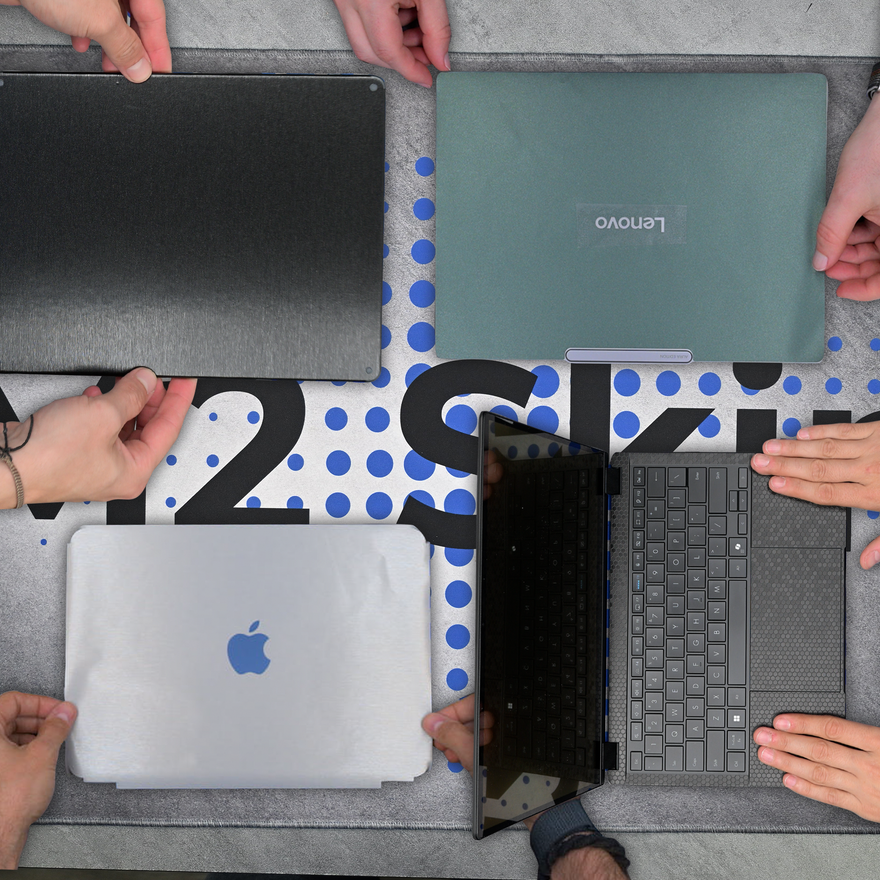
Our 3M, Avery and Hexis cast vinyls add texture you can feel - carbon fiber that's actually textured, brushed metal that's not just printed. Holds up through the daily handling of your handheld or gaming laptop.
An install video for every device
SUPPORT

An install video for every device

Our designs are created with each device's unique installation quirks in mind. Naturally, we film an install video for every device we list. That way you can see exactly what's involved and how it fits from start to finish.
Install now, refresh later
REMOVABLE

Install now, refresh later

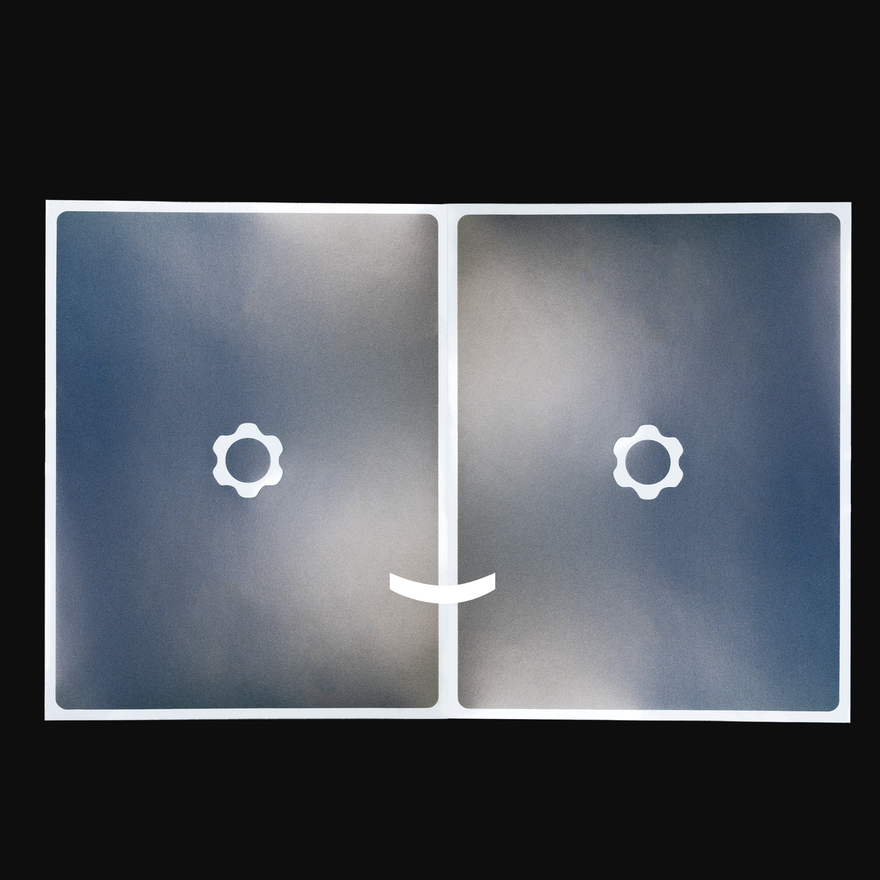
Every kit ships with two copies of your design - one for the install, one to keep for when you want a refresh. So when you're ready for a fresh look down the road, it's already in the box.
Pro Install Kit for pro results
TOOLS

Pro Install Kit for pro results

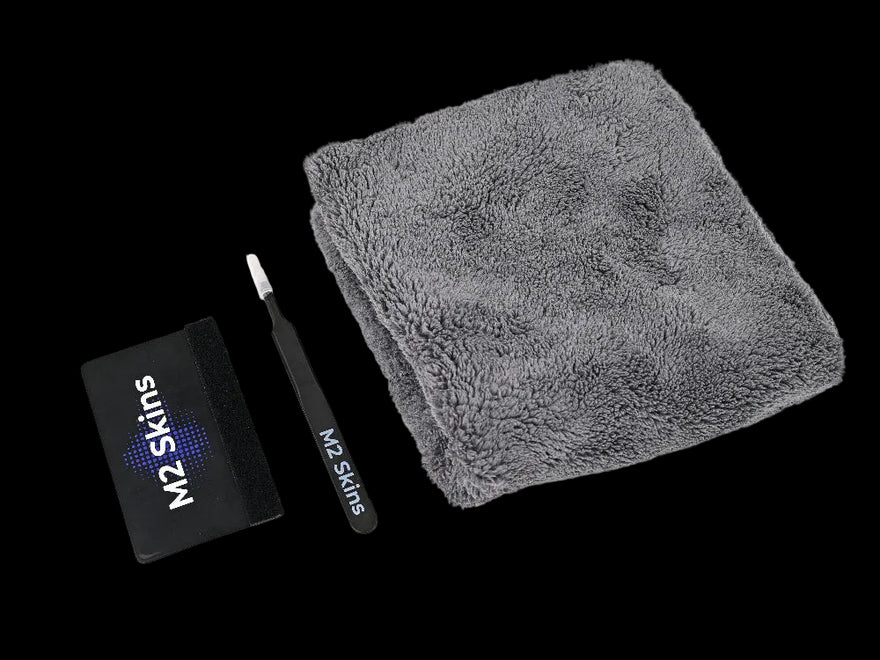
Every order includes the Pro Install Kit - felted plastic squeegee, metal blunt-nosed tweezers, and a plush towel. The same tools professional installers use, in the box every time - not a flimsy cloth.

Designed around the way we install it
SUPPORT

Designed around the way we install it

Multi-piece installs need a design that knows where to tack first, where to stretch, where to leave a little extra. Every M2 cut is shaped around the install method in our videos - alignment edges built in, tack points where they need to be. Follow the video and the design lands where it should.

Thousands of people have customized their gear

Hear from our customers

Answers

Frequently asked questions

Do M2 Skins vinyl skins offer any protection, or are they only for looks?

Our skins add a layer of light protection against the everyday scratches and scuffs a bare device picks up - bag friction, desk contact, daily handling - while keeping the slim profile a case can't match. If drops or hard impacts are the concern, a case is the right tool, and a skin pairs cleanly under a clear one. Most people choose a skin for the look and the everyday-wear protection together.

Does M2 Skins offer free US shipping?

Free US ground shipping on skin orders of $65 or more. No code needed. Standard shipping rates apply below that threshold.

How do I confirm which Acer laptop model I have before ordering an M2 Skins skin?

Start with the model number printed on the bottom of your Acer - it's usually near the regulatory info, something like N22C5 or A515-57. Then check the Compatibility section on this page. It lists the exact dimensions, the model numbers the skin is cut for, and similar listings if yours isn't a match. Matching on the year alone isn't enough - Acer ships the same name across multiple years and sometimes ships the same year with different chassis.

What parts of the Acer Nitro V 16 can an M2 Skins vinyl skin cover?

We offer coverage for the lid, the interior, and the bottom. The interior skin covers the deck around the amber backlit keyboard. We don't cut between individual keys, and we don't cover the thin sides of the laptop. The install video for this device walks through the technique for each piece.

Does M2 make stickers, decals, or wraps for the Acer Nitro V 16?

Yes - stickers, decals, wraps, and skins are the same product, and we call ours a skin. For the Acer Nitro V 16, the Essentials Kit covers the top lid, while our larger kit adds a wrap-around top lid, the interior, and the bottom. Choose the coverage you want with the product wizard, and the sample pack lets you see the finishes in hand before you commit.

Does M2 Skins offer custom or bespoke skin designs?

If you're asking about covering or cutting around a manufacturer logo, that's a standard option you pick in the product wizard - both choices are offered at configuration, no contact needed. For genuine custom work (layered or bespoke artwork), email support@m2skins.com and tell us about your project. Full custom printing isn't live yet, but it's on the way.

How do Acer generation changes affect which M2 Skins skin will fit my laptop?

Acer refreshes its lineups regularly, and a new generation can change port placement, hinge design, vent layout, or overall chassis dimensions - even when the product name stays the same. Our skins are cut for a specific chassis, so a skin made for last year's model often won't sit right on this year's. The Compatibility section on each product page lists the supported model numbers and dimensions, which is the most reliable way to confirm fit. If your generation isn't represented yet, the Request a Skin page is where to let us know.

How do I tell apart common Acer laptop variants when choosing the right M2 Skins skin?

Acer's lineups - Swift, Aspire, Predator, Nitro - each split into multiple sub-models, and the differences matter for fit. Two laptops in the same series can have different screen sizes, port arrangements, or chassis depths depending on the suffix in the model number. The full model number on the bottom of your laptop is the source of truth; match it against the Compatibility section on this page. If you're between two listings that look close, that section also lists similar products to help you land on the right one.

How do I confirm which Acer Nitro V 16 skin matches my laptop's model number?

Check the model number printed on your laptop (usually on the bottom) and match it to the Compatibility section on this page. This listing is for the Nitro V 16 in the ANV16-72 family. The previous-generation ANV16-71 has a different footprint, and the AMD-based ANV16-41 isn't verified as the same chassis, so a matching name alone isn't enough. If your model isn't listed, the Request a Skin page is where to let us know.

Cut in the USA
Cast automotive-grade vinyl
2 copies per kit
Free install video
Free US ground shipping $65+

Ready when you are

Make your Nitro V 16 yours.

Pick your kit, cutout, and finish — built to order and shipped fast.

Order a sample pack
More devices we cover

You may also like